How to Top Up Internet via Monobank (2026)
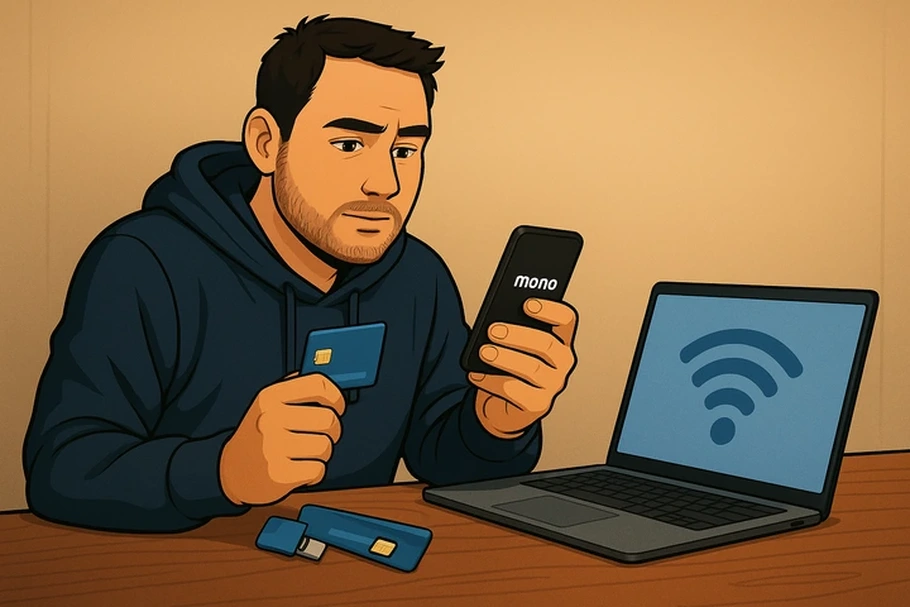
Recently, the Monobank mobile app has become an integral part of our lives. For some, Monobank has replaced Privat24 or other banking services as their primary banking app. Today, we’ll explain how to top up your internet or TV service through the Monobank app.
Currently, in the Monobank app, you can pay and top up internet services from providers like Kyivstar, Volia, Triolan, Ukrtelecom, Datagroup, Vodafone, Lanet, and others.
We’ll demonstrate this process using Kyivstar home internet as an example, especially if your internet stopped working due to insufficient funds.
How to Top Up Internet via Monobank (2026)
To top up Kyivstar internet through Monobank, follow these steps:
Open the Monobank app.
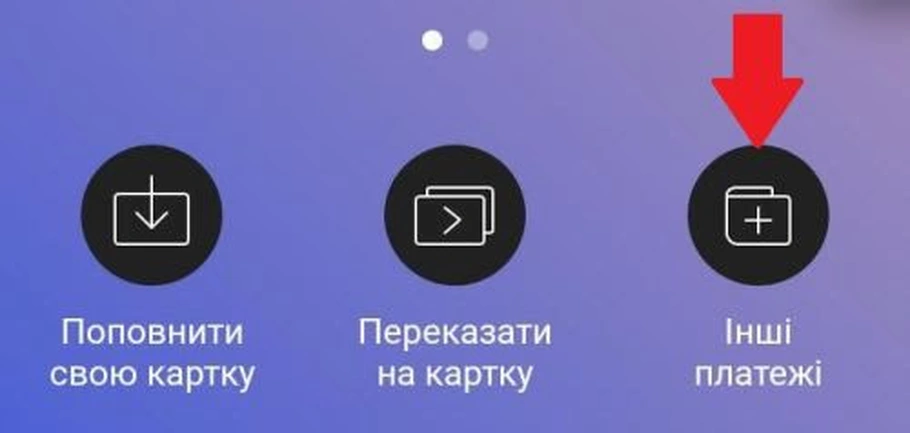
Select “Other Payments” — “Utility Payment”.
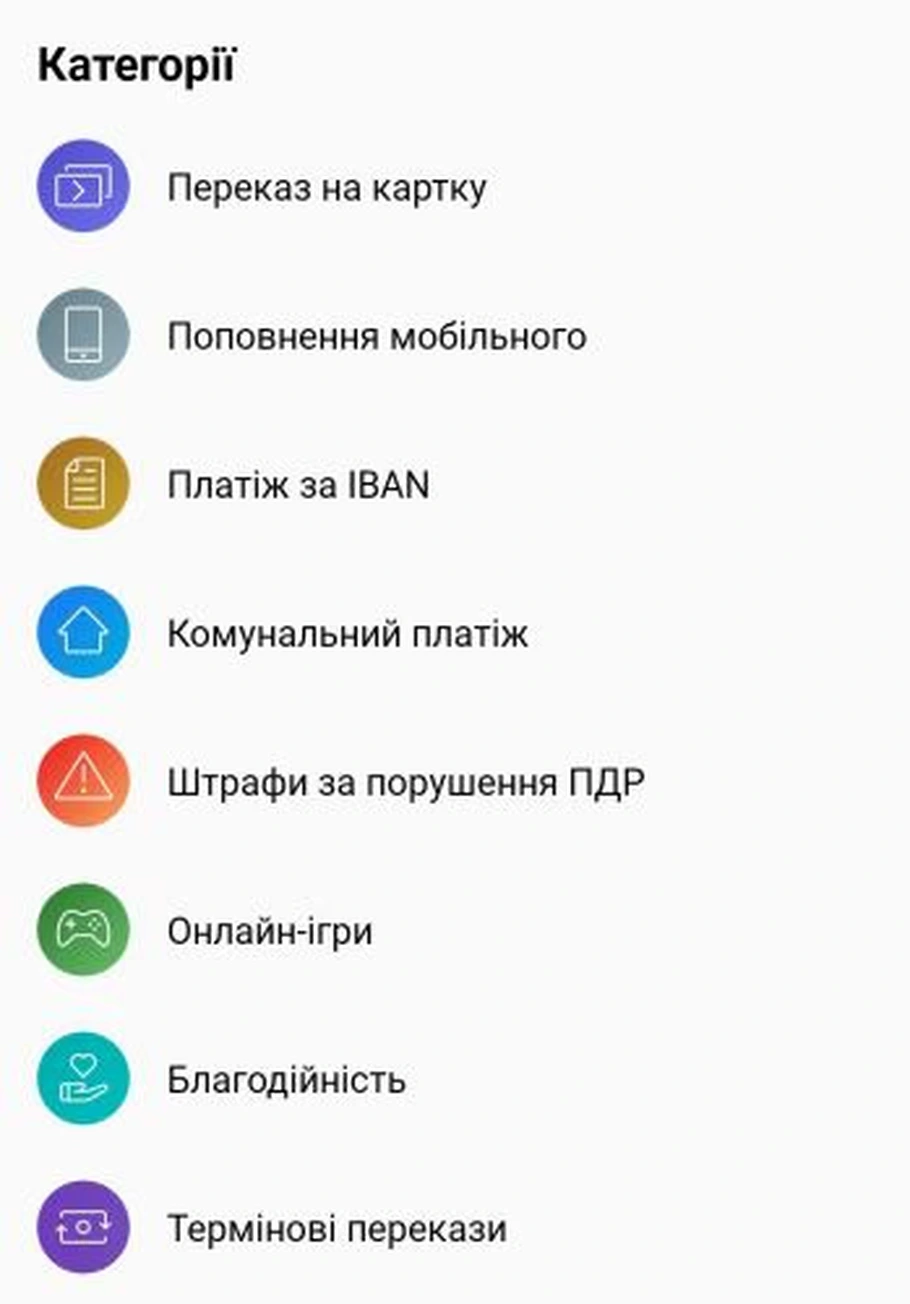
In the search bar that appears, type your provider’s name. In this case, Kyivstar (internet). If you need Volia, Lanet, Datagroup, Vodafone, or another provider, enter their name.
Enter your personal account number. If you’ve forgotten where to find it, read our article — How to Find Your Kyivstar Internet Account Number.
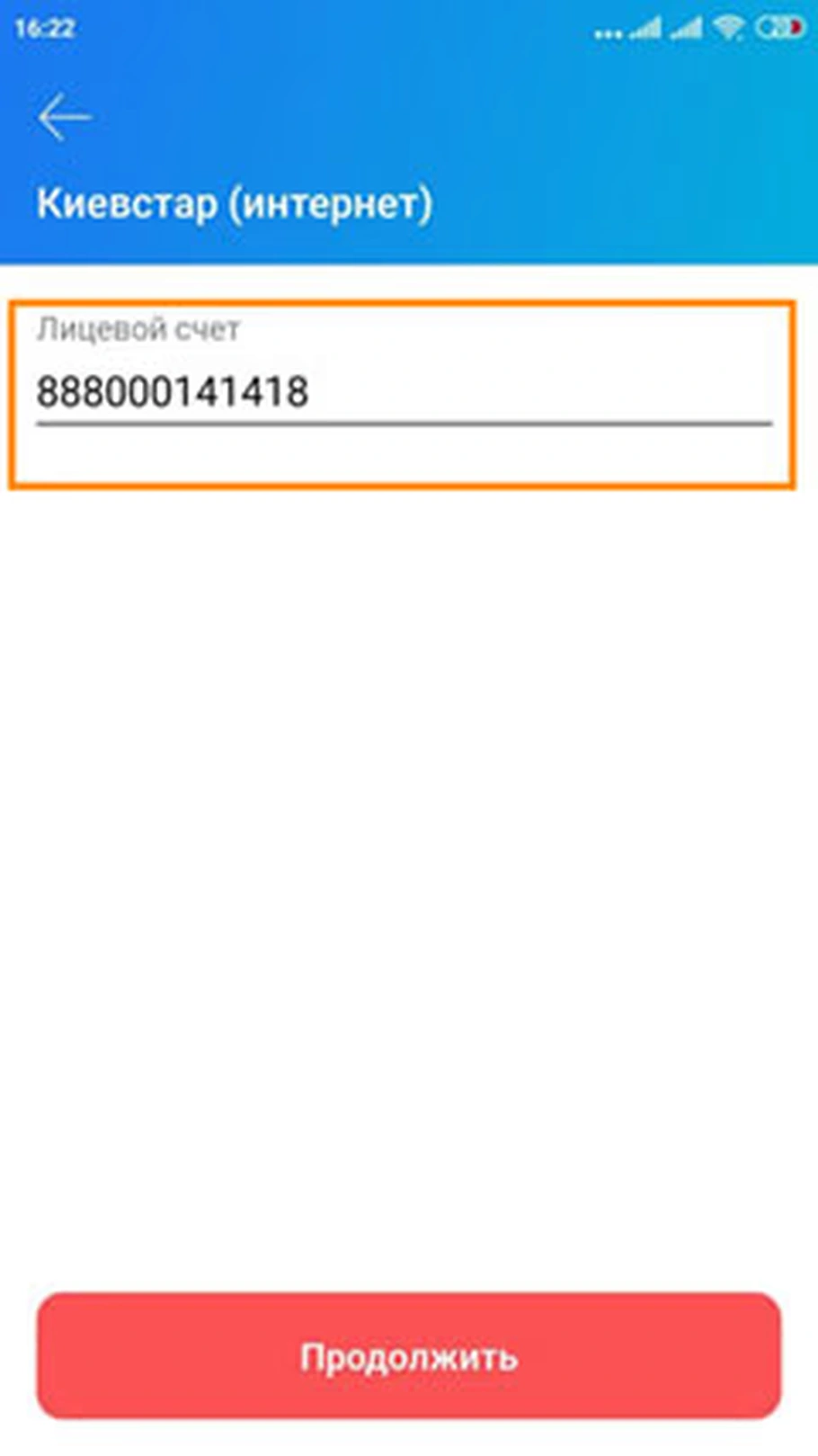
Enter the payer’s full name, select the payment period and amount.
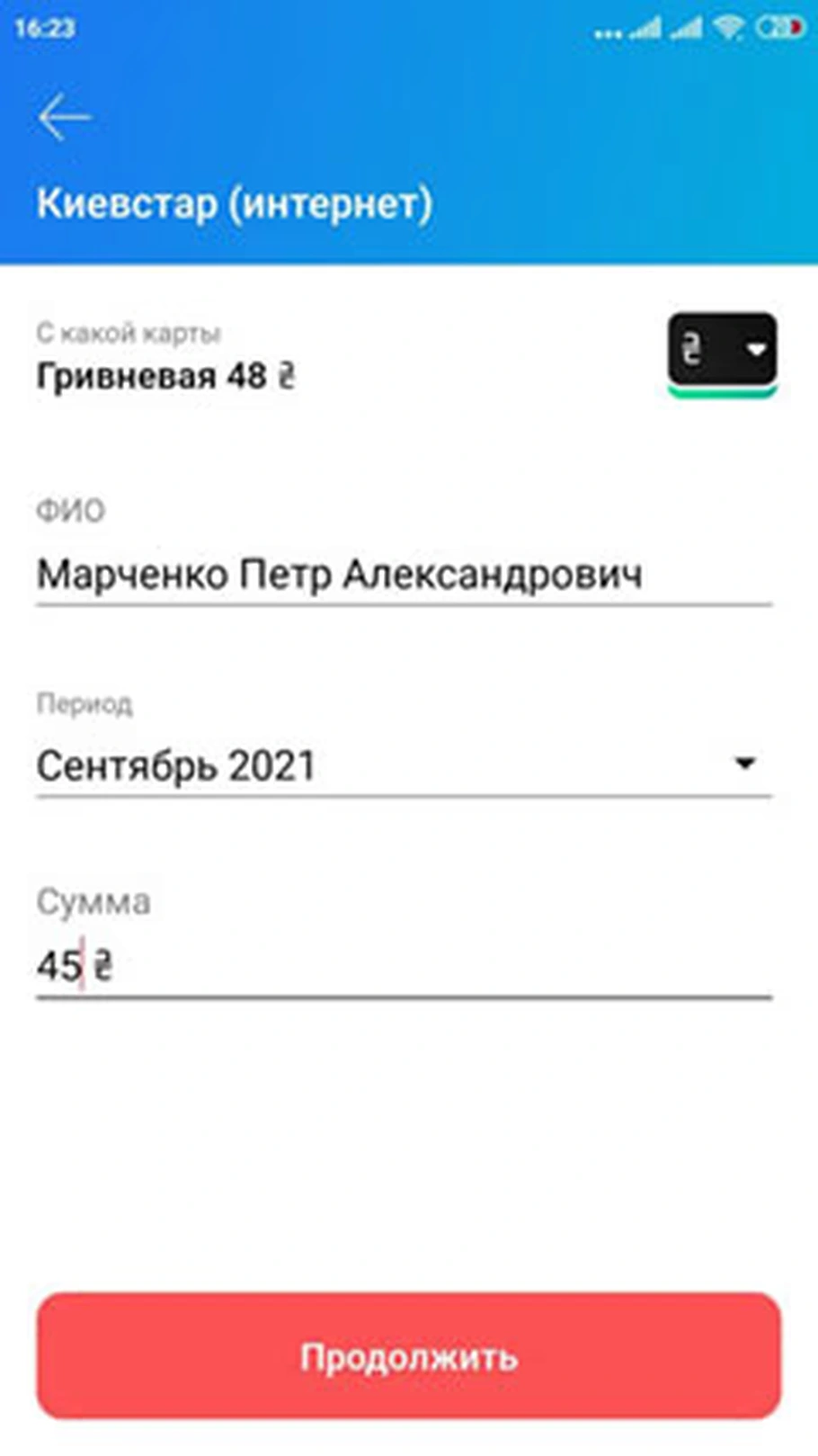
- Review the entered details and click “Pay”.
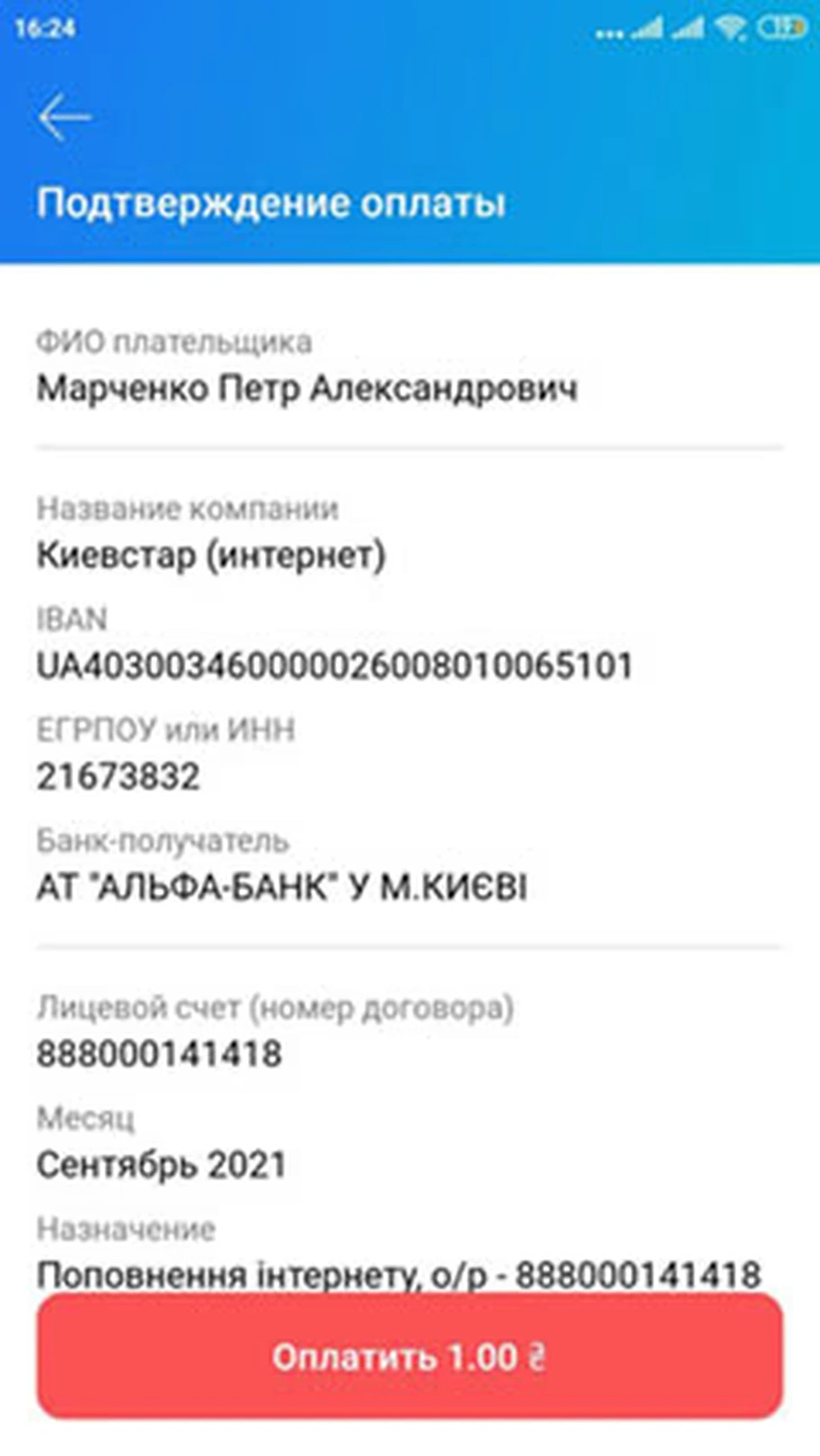
By following these simple steps, you can pay for Kyivstar internet or TV services, or those from other providers.
By the way, if you use Kyivstar and have the “All Together” plan, you can simply top up your mobile account, and the payment for the plan will be automatically deducted at the beginning of each billing month.
How to Top Up a Kyivstar Phone Linked to Home Internet?
Topping up a Kyivstar mobile phone linked to your home internet through Monobank is done just like a regular payment. Select Other Payments — Mobile Top-Up and enter the phone number linked to your Kyivstar home internet.