How to Change the Language in Windows 10, 11: Enabling the Ukrainian Interface
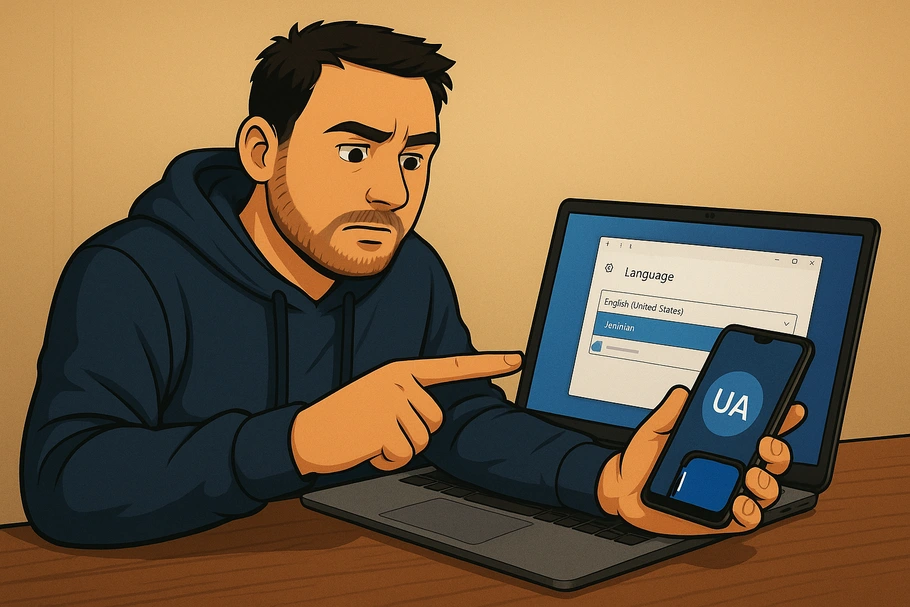
To change the primary language of your Windows 10 or 11 system, you’ll need to install an additional language pack. This allows you to view menus, dialog boxes, and other system interface elements in Ukrainian.
Sometimes changing the system language on your computer or laptop is essential, especially since the default language is often English. Additionally, many people in Ukraine had their systems in Russian before the war, so how do you switch languages in this case? The process is the same: download and install additional language packs for Windows 10, Windows 10 Enterprise LTSC 2021, or Windows 11. This will change the OS interface to the desired language.
Changing the System Language in Windows 10, 11: From English to Ukrainian (or another language)
- First, log in with an administrator account. Then, press Windows+I (to open Settings) and select Time & Language.
- In the Preferred Language section, find Ukrainian and click on the Options button.
- In the next window, click on the Download button to initiate the download of the Ukrainian localization pack for all options.
- By clicking on the Regional format button, you can change the Country or region and Region format, which will adjust the date display to the familiar format.
- Return to the language settings under Language and, in the Windows display language window, select Ukrainian from the dropdown list.
- To apply the changes in Windows 10, 11, agree to log out of your account.
- After logging back in, the system will be available in Ukrainian.
Комментарии
2I think, what is it good idea.
Prompt reply, attribute of ingenuity 😉