Graphic tablet for drawing

Digital art is becoming increasingly popular in the modern world. Graphic tablets allow you to create professional illustrations, retouch photos, and perform any creative task with incredible accuracy. But how do you choose the best option for yourself? In this article, we will analyze all the key points to consider when choosing a graphics tablet for drawing. And here you can find other useful materials on software and modern technologies.
Рейтинг
| № | Назва | Рейтинг | Бейдж | Ціна |
|---|---|---|---|---|
| 1 | Wacom Intuos Pro M | Professional Choice | 16 000 ₴ | |
| 2 | Huion Kamvas 16 Pro | Best Value for Money | 27 000 ₴ | |
| 3 | Wacom One 13 | Perfect Starter Display | 10 000 ₴ | |
| 4 | Gaomon PD1560 | Large Screen for the Price | 28 000 ₴ | |
| 5 | XP-Pen Deco 01 V2 | Best Budget Option | 3 000 ₴ |
Graphic tablet for drawing. How to choose
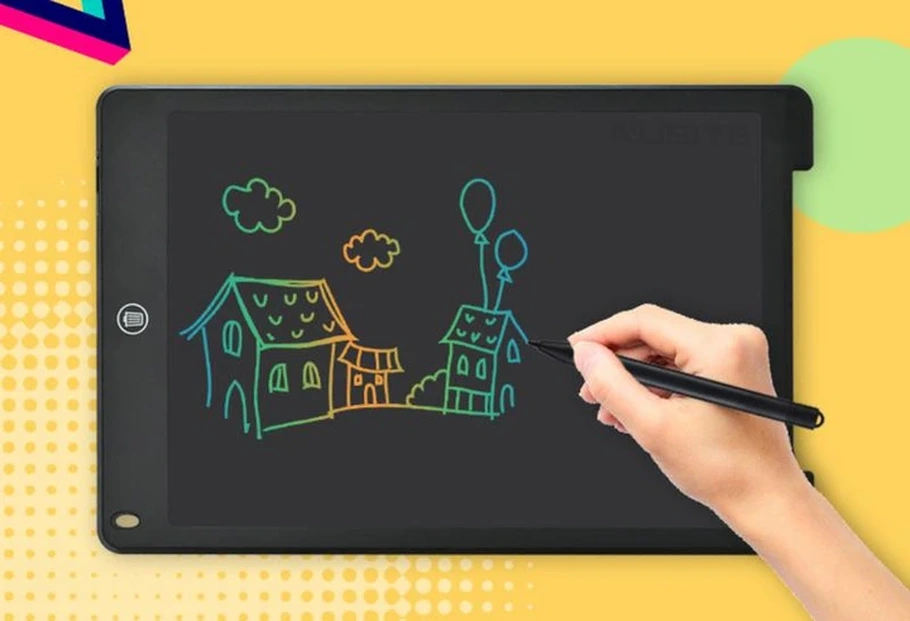
Tablet size: find your balance
When it comes to the size of a graphics tablet, it’s worth finding a balance between comfort and portability. Larger tablets provide more drawing space, which can be more convenient for working on large projects or detailed illustrations.
However, they can be less easy to carry and take up more space on your desk. If you need a tablet to work on the go, a medium or small size may be the best choice.
Tip: If you’re just getting started with graphics tablets, try the medium size – it’s versatile and suitable for most tasks.
Pen resolution and sensitivity
One of the most important parameters of a graphics tablet is the resolution of the screen or workspace. It’s measured in lpi (lines per inch), and the higher the resolution, the more detailed your drawing will be. For professional use, a tablet with a resolution of at least 5080 lpi is recommended.
Pen sensitivity is measured in pressure levels. The more levels there are, the better the tablet responds to differences in pressure, which allows you to create lines of different thickness and saturation. The standard value for modern tablets is 8192 pressure levels.
Tip: If you’re a professional illustrator or designer, look for high resolution and pen sensitivity.
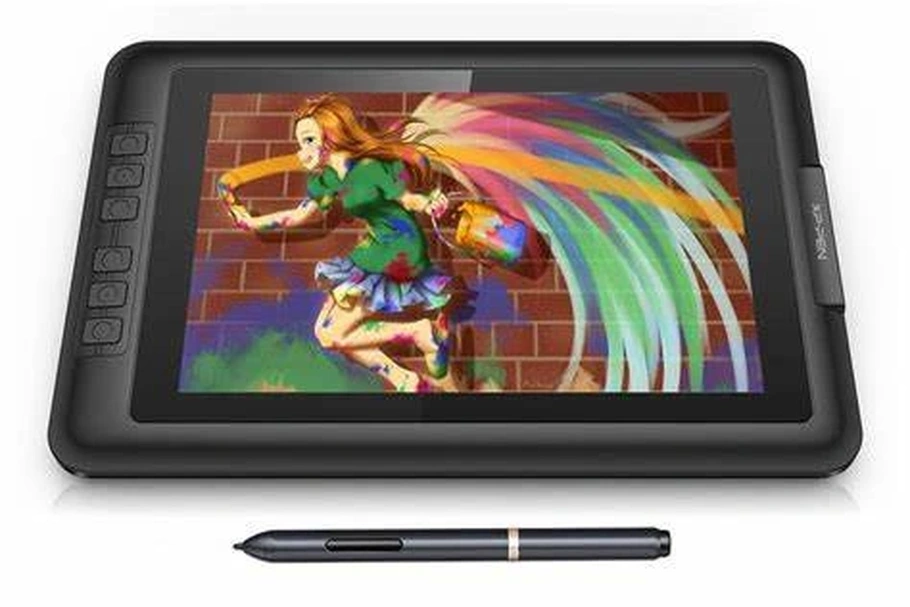
Display or tablet without a screen
Graphics tablets can be divided into two categories: with and without a display. Tablets with a display allow you to draw directly on the screen, which makes the process more intuitive and resembles drawing on paper. However, they are usually more expensive.
Tablets without a display are connected to a computer, and the image is displayed on a monitor. It takes some getting used to, but they are more affordable and lighter.
Tip: If your budget allows and you plan to use a tablet for professional work, choose a tablet with a display. But if you’re a beginner or working on a tight budget, a tablet without a screen is also a great choice.
Also, you may need to read this article on how to use an external monitor with a closed laptop.
Software compatibility
Before you buy a tablet, make sure it is compatible with your computer and the software you plan to use.
Most modern tablets support Windows, macOS, and some are even compatible with Android. Also check if the tablet supports popular graphic editors such as Adobe Photoshop, Illustrator, Corel Painter, etc.
Tip: Check if there are drivers for your operating system and how often they are updated. If you’re having trouble connecting, this article may help.
Availability of additional features
Some tablets come with additional features that can greatly enhance your experience. These can include hotkeys that allow you to quickly execute the most commonly used commands, multi-touch input, an adjustable stand, or the ability to work wirelessly. All these elements make working with a tablet more comfortable and productive.
Tip: Evaluate what features are important to you. For example, if you travel frequently, a wireless tablet can be indispensable.
Build quality and materials
Finally, pay attention to the build quality and materials used to make the tablet. A high-quality body and a scratch-resistant workspace coating will ensure a long-lasting use of the device. Also check for optional accessories such as a drawing glove, spare pens, or a case.
Tip: If possible, hold the tablet in your hands before you buy it to make sure it’s the right weight, size, and comfort for you.
Mini Top 5 graphics tablets
1
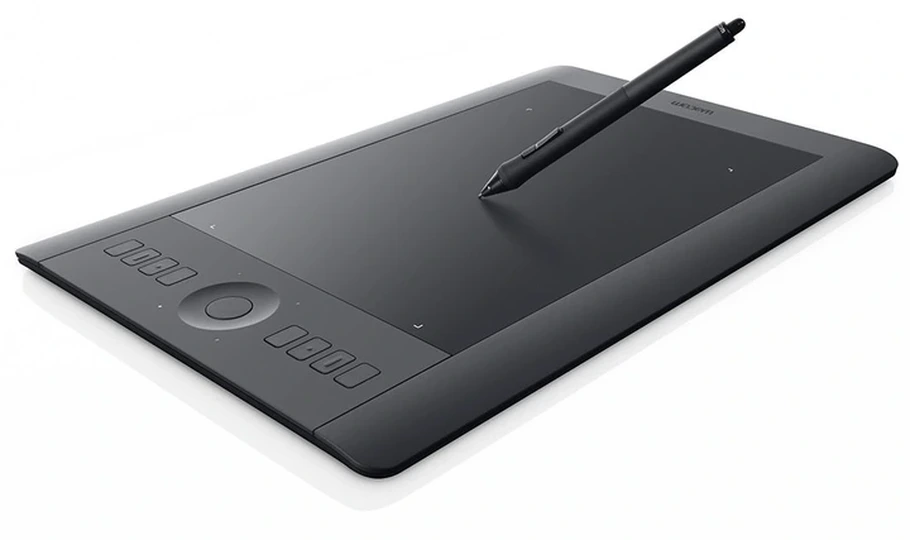
Wacom Intuos Pro M
Best choiceProfessional Choice
4.7from 16 000 ₴Buy
- High precision and pen sensitivity
- Reliable build and long-lasting durability
- Highly customizable with ExpressKeys
- Excellent compatibility with professional software
- Higher price compared to alternatives
- No built-in display (requires external monitor)
2
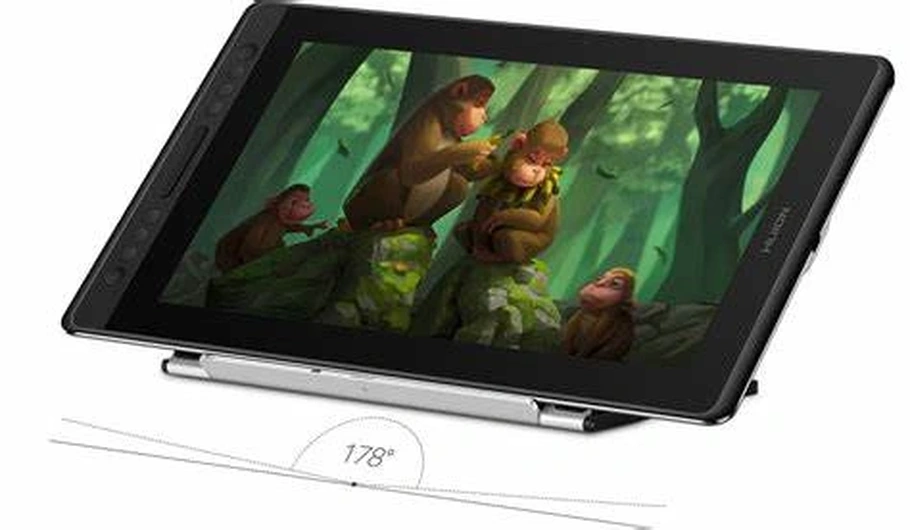
Huion Kamvas 16 Pro
Best Value for Money
4.5from 27 000 ₴Buy
- Draw directly on the screen (pen display)
- Great image quality and color accuracy
- Plenty of programmable buttons for quick access
- Very comfortable for long sessions
- Requires drivers and setup
- T Slight parallax noticeable in some angles
3
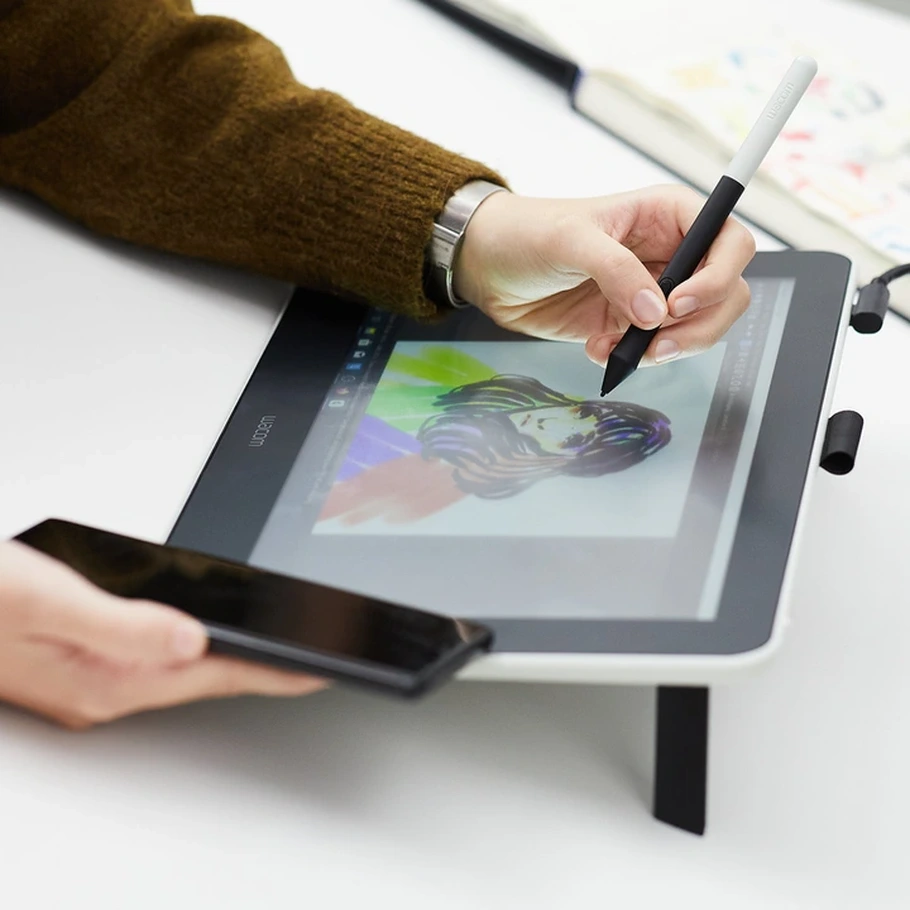
Wacom One 13
Perfect Starter Display
4.4from 10 000 ₴Buy
- Draw directly on the screen
- Compact and lightweight
- Wacom-level excellent pen sensitivity
- Simple setup and intuitive use
- Small screen size (13")
- No built-in stand (needs to be purchased separately)
4
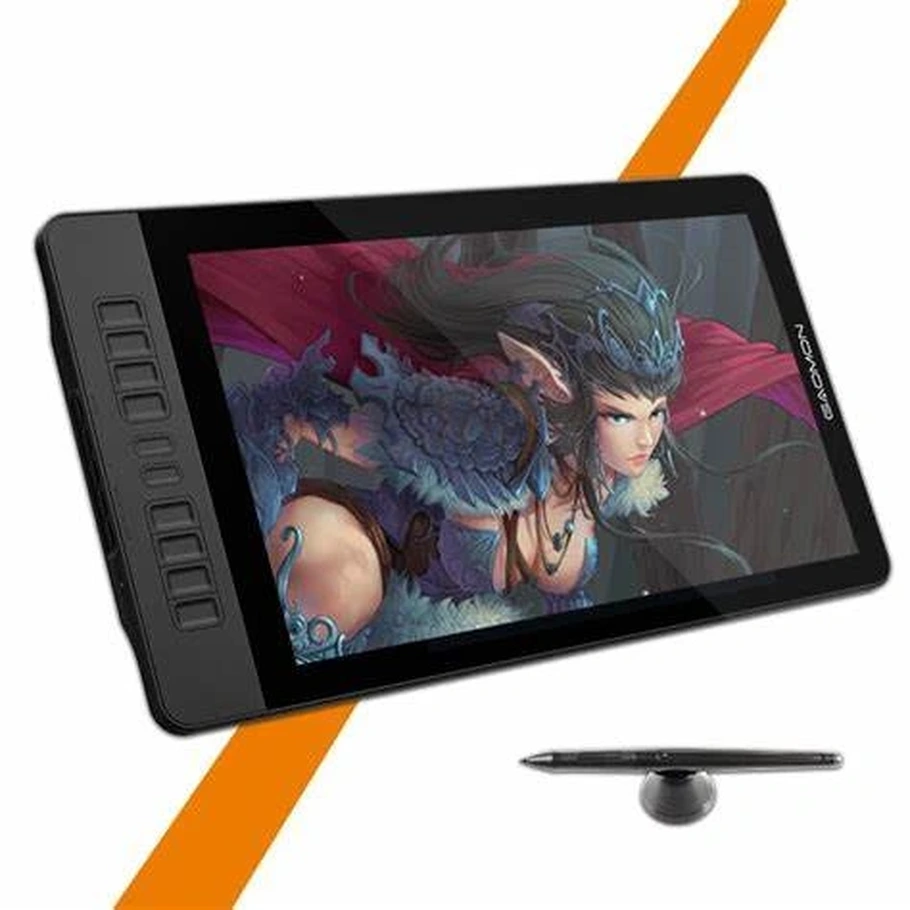
Gaomon PD1560
Large Screen for the Price
4.4from 28 000 ₴Buy
- Large display for detailed work
- Good color reproduction and pen sensitivity
- Comfortable design with adjustable stand
- Lots of shortcut buttons
- Price close to premium models
- May require calibration out of the box
5
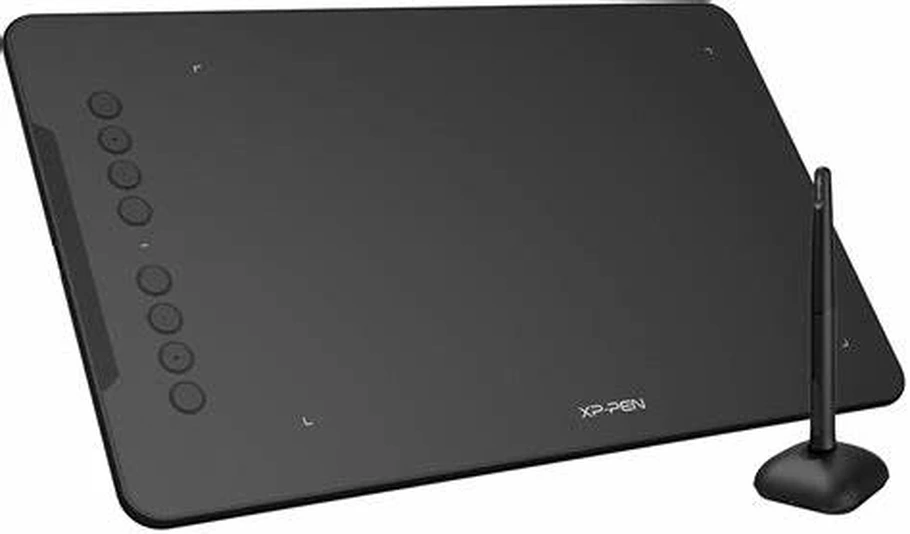
XP-Pen Deco 01 V2
Best Budget Option
4.3from 3 000 ₴Buy
- Extremely affordable price
- Good pressure sensitivity with tilt support
- 8 customizable shortcut buttons
- Easy to use and widely compatible
- No built-in display (needs external monitor)
- Pen feels lighter and more plastic
* Prices and bundles may change. Know a newer price? Tell us in the comments and we will update the post.