How to Bypass YouTube Throttling in 3 Clicks Using Discord (No VPN)
Recently, users have encountered an unpleasant surprise – authorities have started semi-officially slowing down the desktop version of YouTube. While mobile apps remain unaffected, computer users have already felt the full impact of these restrictions. However, as is often the case, resourceful users quickly began to look for workarounds.
I’ll share one of the simplest and, importantly, completely legal ways to bypass throttling without using a VPN. The main advantage of this method is its accessibility and the fact that you don’t need to install any additional software besides the popular messenger, Discord.
Required Tools
To use this method, you need to have the Discord messenger installed and running. It’s important to note that this applies to the app, not the web version – otherwise, our little trick won’t work. If you don’t have Discord installed yet, now is the time to fix that. Go to the official website, download the program for your operating system, and complete the simple registration process.
This method is primarily aimed at those who already actively use the messenger. But even if you’ve never heard of it before, don’t rush to look for alternative options. Discord is an excellent communication platform, especially popular among gamers and IT specialists. Who knows, solving the YouTube problem might be the reason to discover a new convenient communication tool.
Step-by-Step Guide to Bypassing Throttling
Now that we have everything we need, let’s break down the process of bypassing YouTube throttling step by step.
Step 1: Copy the Link
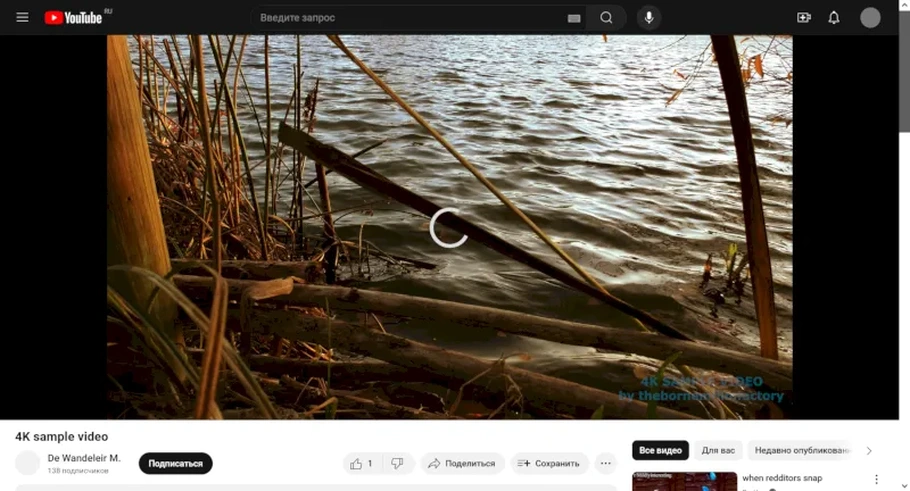
First, copy the link to the video you’re interested in. On the video page, click the “Share” button
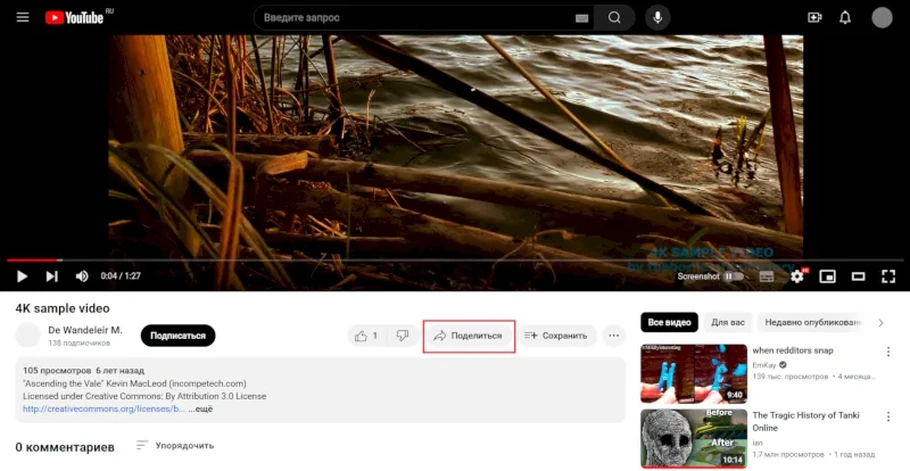 and copy the short link in the format “youtu.be.”
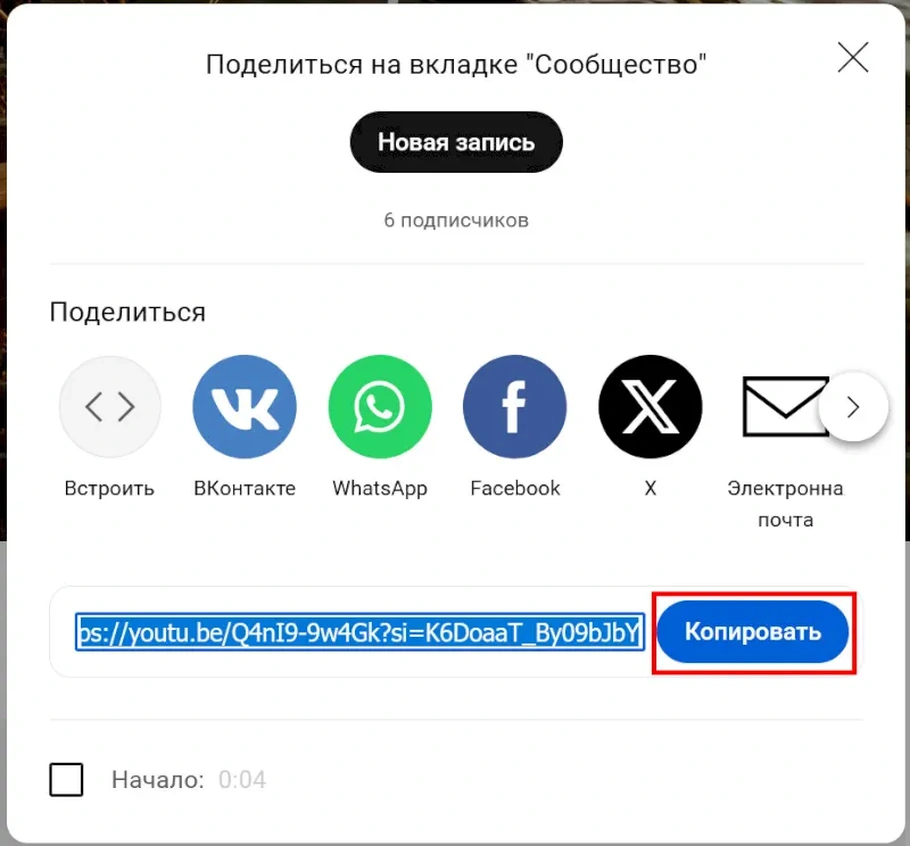
Step 2: Paste the Link in Discord
Paste this link into any Discord chat. You can use direct messages, group chats, or server channels – the choice is yours.
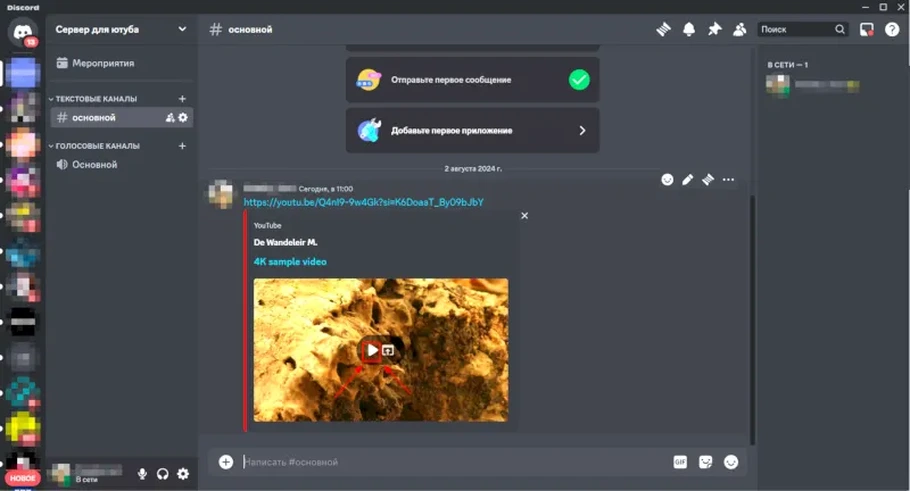
After sending the message, you’ll see Discord automatically expand the link into a small embedded player.
Step 3: Play the Video
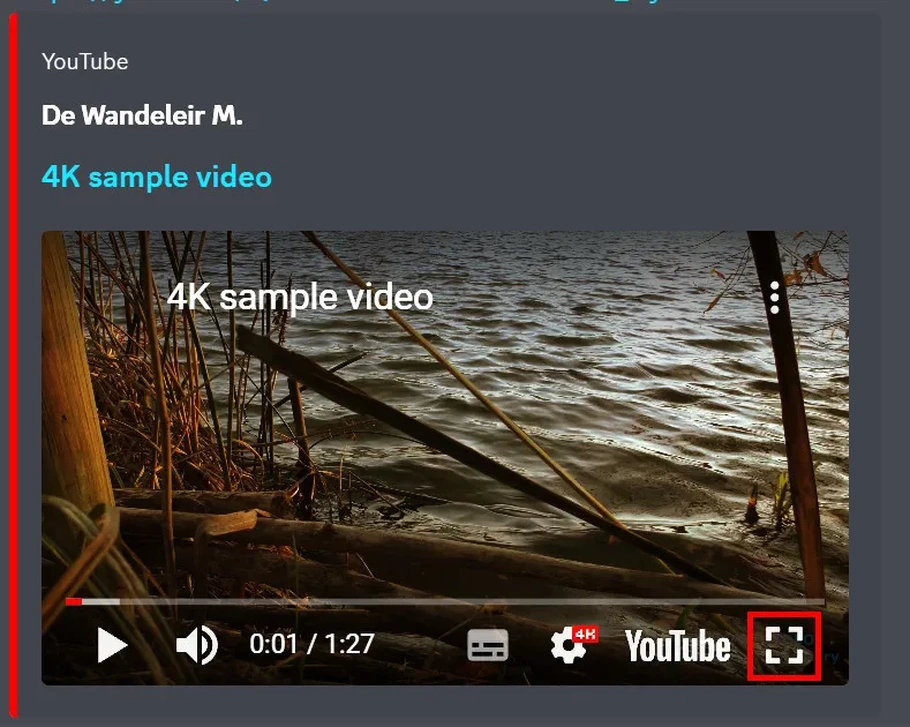
Open this mini-player directly in the Discord app. You’ll notice that the video starts playing without any delays.
For maximum viewing comfort, you can expand the video to full screen – the player functionality will be similar to standard viewing through the YouTube website.
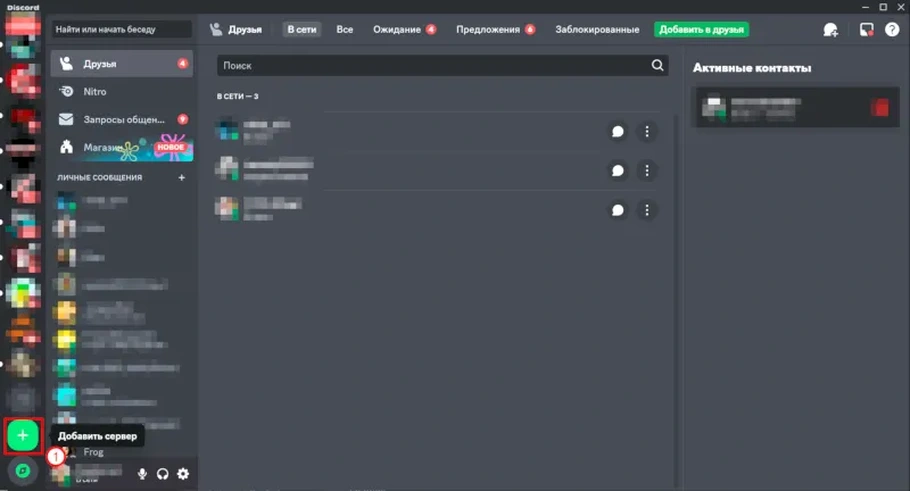
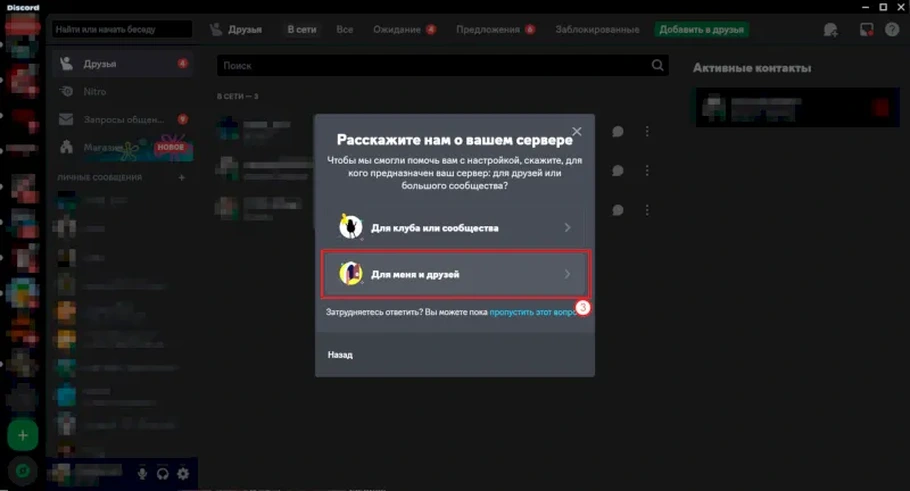
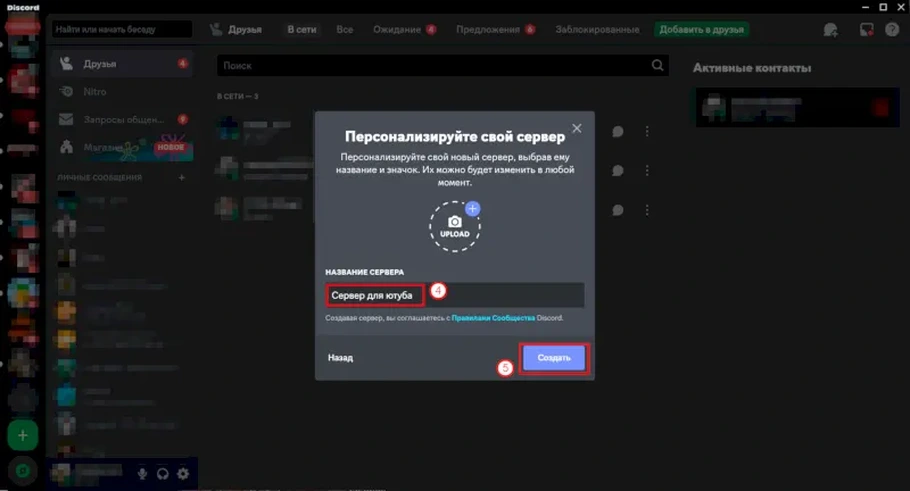
If you’re concerned about privacy and don’t want the links to the videos you watch to be visible to your contacts, there’s a simple solution. Create your personal Discord server where you will be the only participant.