How to Access My Kyivstar Account
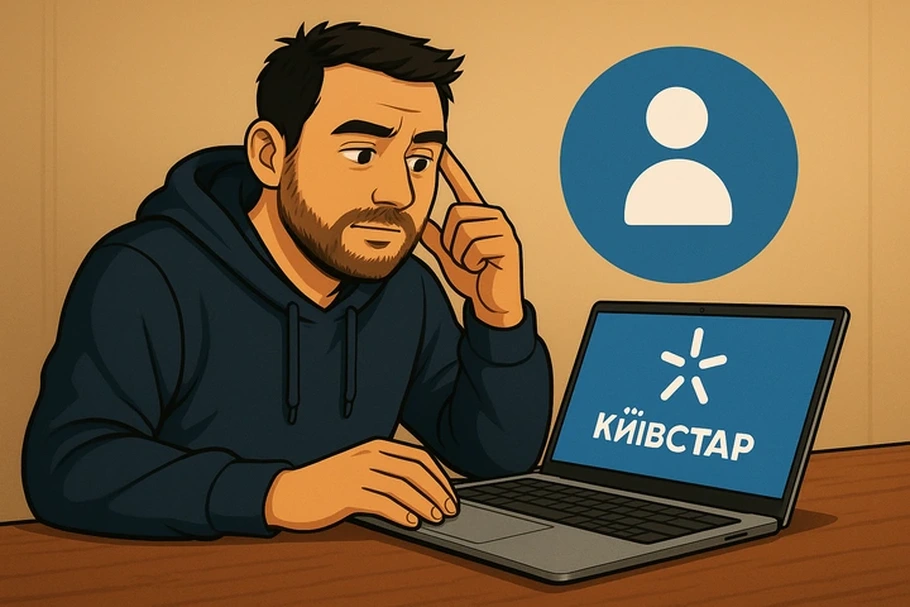
My Kyivstar is a convenient mobile app designed to manage mobile communication, home internet, and TV services from Kyivstar. With this app, you can:
- Top up your mobile or home internet account.
- View your service package balances, keeping track of your expenses.
- Activate or deactivate additional services for optimized usage.
- Get detailed billing information for your tariff plan.
- Order the “Week of Trust” service to extend your internet usage.
- Activate internet for 1 day or pause your internet service when needed.
You can also view and change all available Kyivstar home internet tariffs through the app.
How to Log in to My Kyivstar
Access to the “My Kyivstar” app is only available through the mobile app since the web version my.kyivstar.ua is no longer accessible. You can register your account using your Kyivstar mobile number or home internet account number.
Steps to log in:
- Install the “My Kyivstar” app for Android or iOS.
- Tap “Log in” on the main screen.
- Enter your Kyivstar phone number.
- Enter the code from the SMS to confirm.
- Create a password for your account.
After this, the app will offer you the option to use fingerprint authentication for future logins, allowing you to access your account without a password or SMS.
Alternative Login Method
If you don’t have a Kyivstar mobile number, use your home internet account number:
- Enter your home internet account number.
- Receive an SMS with a code on the phone number you provided when you connected your internet.
In your account, you can add all your Kyivstar mobile numbers or home internet accounts for convenient management.
What to Do If You Can’t Log in to Your Account
- Check your internet connection.
- Update the “My Kyivstar” app to the latest version.
- Delete and reinstall the app.
By using the “My Kyivstar” app, you can easily and conveniently manage all Kyivstar communication services, maximizing the benefits of your tariff plan and additional features.