Goodbye Blue Screen of Death: Microsoft Reinvents Windows 11 Crashes
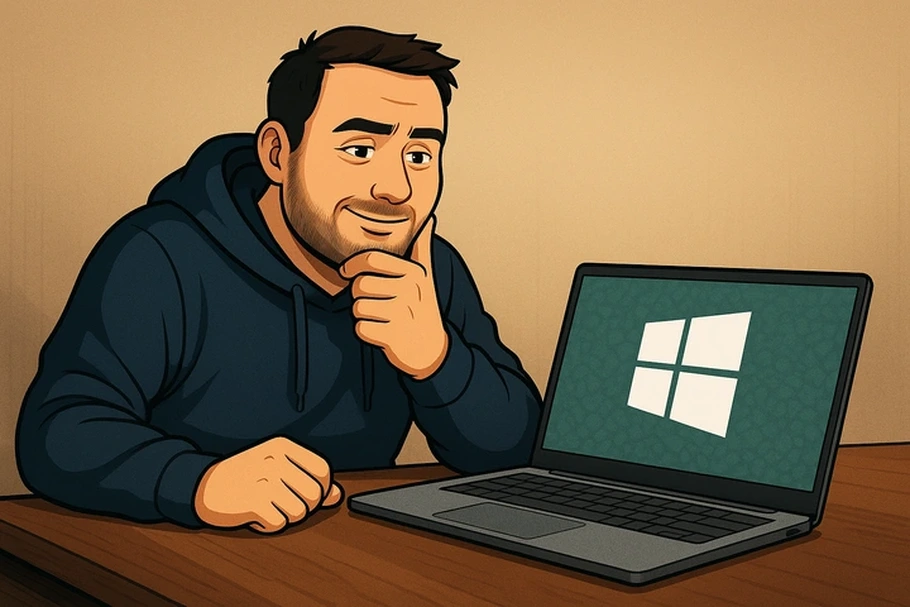
Microsoft is waving goodbye to the iconic “Blue Screen of Death” (BSOD) in Windows 11, replacing it with a sleek, user-friendly crash notification. This overhaul promises a fresh look and better usability for when things go wrong. Curious about other tech chaos? Check out why ChatGPT servers crashed due to the Ghibli hype for a wild AI story.
The classic blue backdrop, sad face, and QR code are out. Instead, Windows 11 will sport a simplified design—early tests hint at a green screen, though the final color is still under wraps. Meanwhile, if you’re an Apple fan, you might want to see which iPhones won’t get iOS 19 to plan your next upgrade.
This change aligns with Windows 11’s modern aesthetic, aiming to make error screens less intimidating. And speaking of Microsoft updates, did you hear they’re pulling the plug on a classic? Learn more about Microsoft ending Skype on May 5, 2025.
A New Look for System Crashes
The updated “Screen of Death” ditches the cluttered old-school vibe for a cleaner interface. It’ll still display key details like error codes or faulty drivers, but with a less overwhelming layout that matches Windows 11’s design philosophy.
From Blue to… Green?
While the BSOD has been a blue staple for decades, Microsoft is shaking things up. Test builds currently show a green screen (nicknamed GSOD), though past experiments flirted with black. The final version is expected in the Windows 11 24H2 update.
Who Can Test It Now?
Windows Insider members in the Beta, Dev, and Canary channels can already peek at this revamped crash screen. Here’s who gets early access:
- Beta testers exploring stable builds
- Dev channel users chasing cutting-edge features
- Canary participants testing the wildest updates
A History of Crash Screen Changes
Microsoft isn’t new to tweaking the BSOD. Back in 2021, Windows 11 testers saw a black screen of death, but it didn’t stick. Now, the company’s doubling down on a design that’s both functional and visually cohesive.
What Else Is New in Windows 11?
Beyond crash screens, Microsoft is sprucing up the OS with AI-powered goodies. The Photos app recently got:
- Copilot integration for smarter edits
- OCR tech to extract text from images
- Enhanced AI-driven touch-up tools
Why This Matters to Users
A friendlier crash screen won’t fix your PC woes, but it could make diagnosing them less stressful. With Windows 11 evolving fast, this update signals Microsoft’s focus on a polished, modern user experience.